Registering for an Account
To access the Nubius Customer Portal, you need to register for an account. There are two ways to do this:
-
During Checkout – When purchasing a new service, you will be prompted to register an account during the checkout process.
-
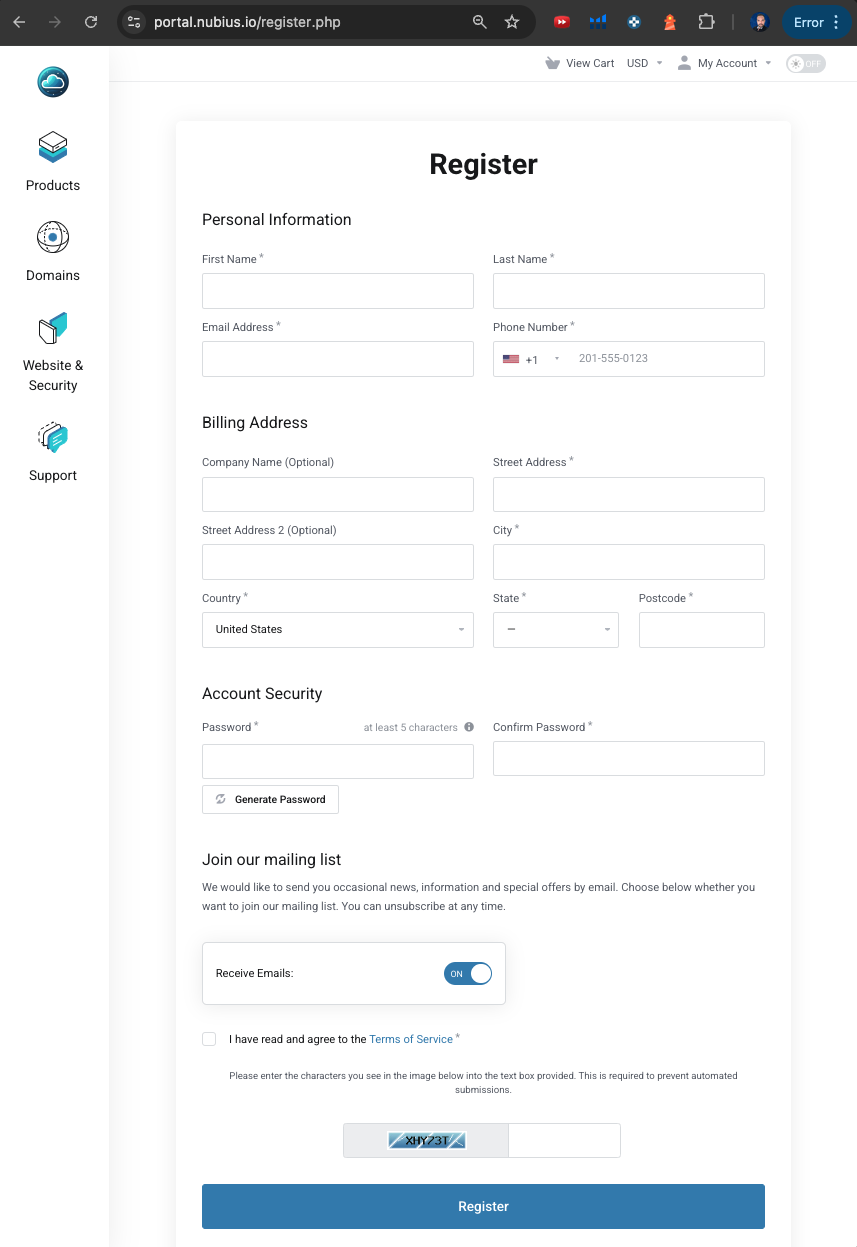
Manual Registration – You can manually register at any time by visiting: https://portal.nubius.io/register.php
Registration Process
-
Go to the registration page.
-
Fill in the required information in the form, including your name, email, and contact details.
-
Read and agree to the Terms of Service by checking the corresponding box.
-
Complete the captcha verification.
-
Click Register to create your account.
Email Verification & Fraud Check
-
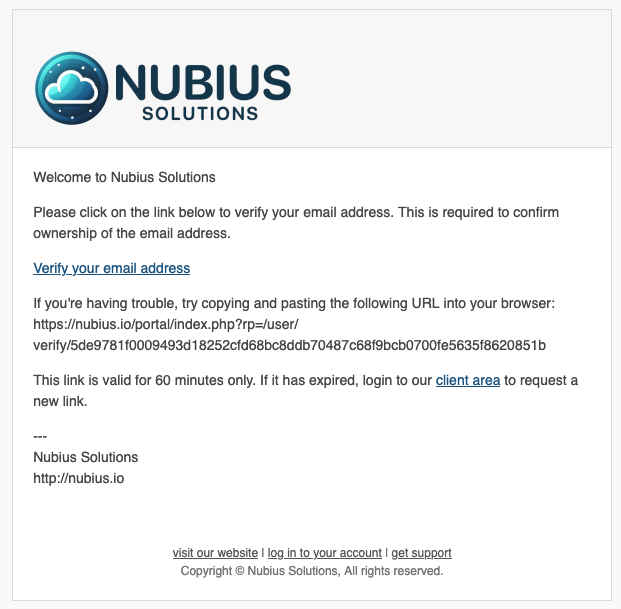
After registering, you will receive an email from our system with a verification link. You must verify your email to ensure your account remains active and functional.
-
Our system also conducts an internal fraud check. If paying with a credit card, our team may reach out to request additional information to validate the authenticity of your account.
Logging into Your Account
Once registered and verified, you can log in to your Nubius Customer Portal account:
-
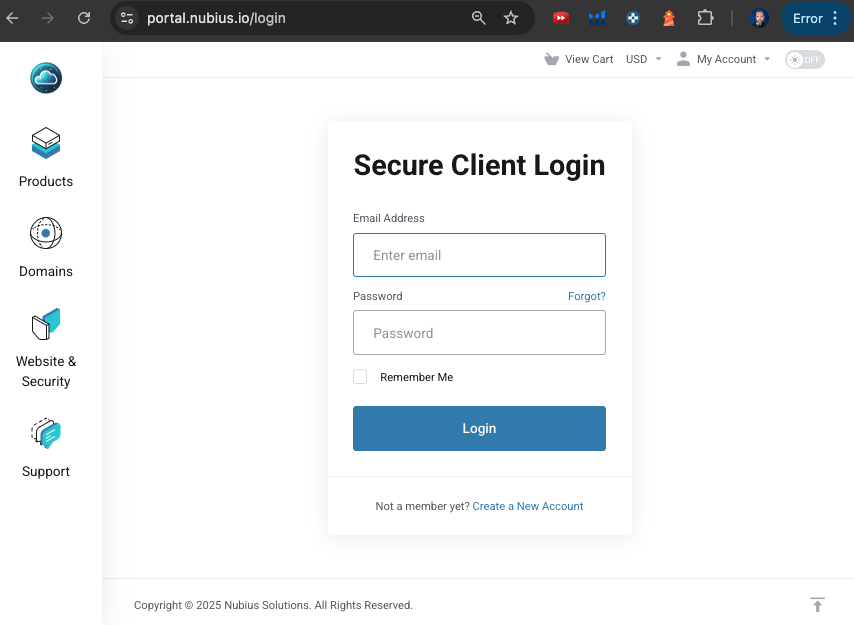
Visit the login page: https://portal.nubius.io/login
-
Enter your registered email and password.
-
Click Login to access your account.
If you experience any issues during registration or login, please contact our support team for assistance. You can open a ticket by emailing support@support.nubius.io